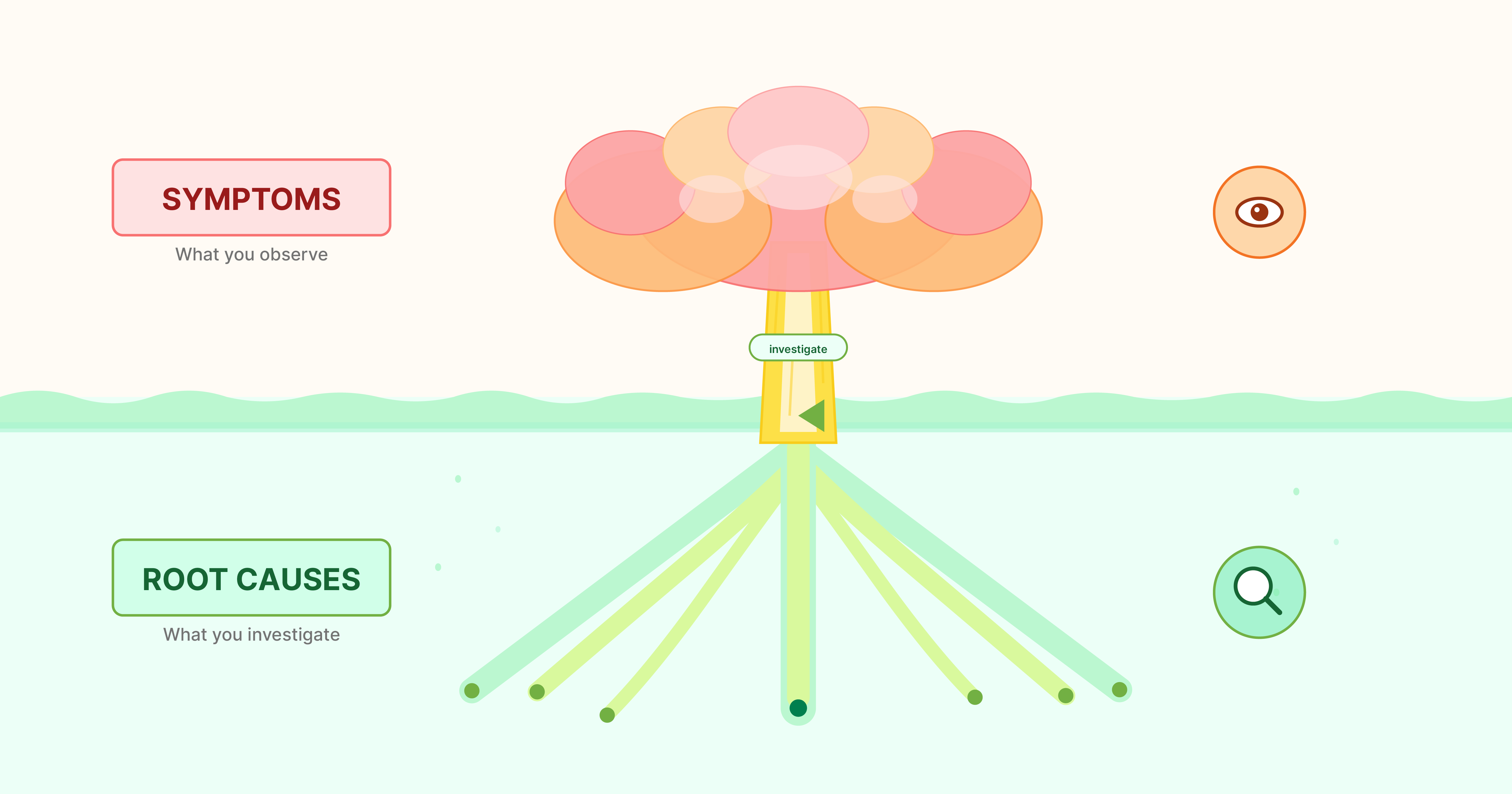
Teams often describe a problem by naming the most visible symptom. It sounds clear, but it hides the real drivers. A symptom is what people feel. A root cause is what creates the pattern in the first place. If you mix them, your project will solve the wrong thing.
I use this approach in my own project design work, and it helps teams stay aligned as the project evolves.
Here is a simple check you can run with any team.
Step 1: Write the symptom in one line.
Example: "Attendance is low in after school programs."
Step 2: Ask why three times.
- Why is attendance low? Students do not stay after school.
- Why do they not stay? They have to work or care for siblings.
- Why is that happening? Household income is unstable and support systems are thin.
Step 3: Separate the layers.
- Symptom: low attendance
- Contributing factors: work and caregiving responsibilities
- Root causes: economic instability, lack of support systems, scheduling that ignores household reality
Step 4: Name what you can influence.
You cannot change the entire economy, but you can design around family schedules, provide transportation, or adjust program timing.
If your team gets stuck, ask this: "If we removed the symptom, what would still be true?" Whatever remains is closer to the root cause. This question keeps the conversation grounded.
Try this today. Pick one project and run the check with two colleagues. If you disagree on the root cause, that is a good signal. It means you surfaced hidden assumptions early.
Contextual diagram of clarity check is below. You can also view pdf version.
More resources: Lesson 1: Problem Tree Analysis.